
Santa in My House Photo
See Santa Claus in a real photo of your own home.
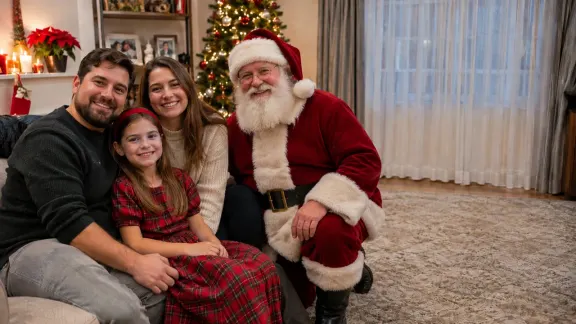
Turn a photo of your home into a magical Santa photo or video. See Santa Claus visit your living room or stand beside your Christmas tree.
Create Your Santa Photo or Video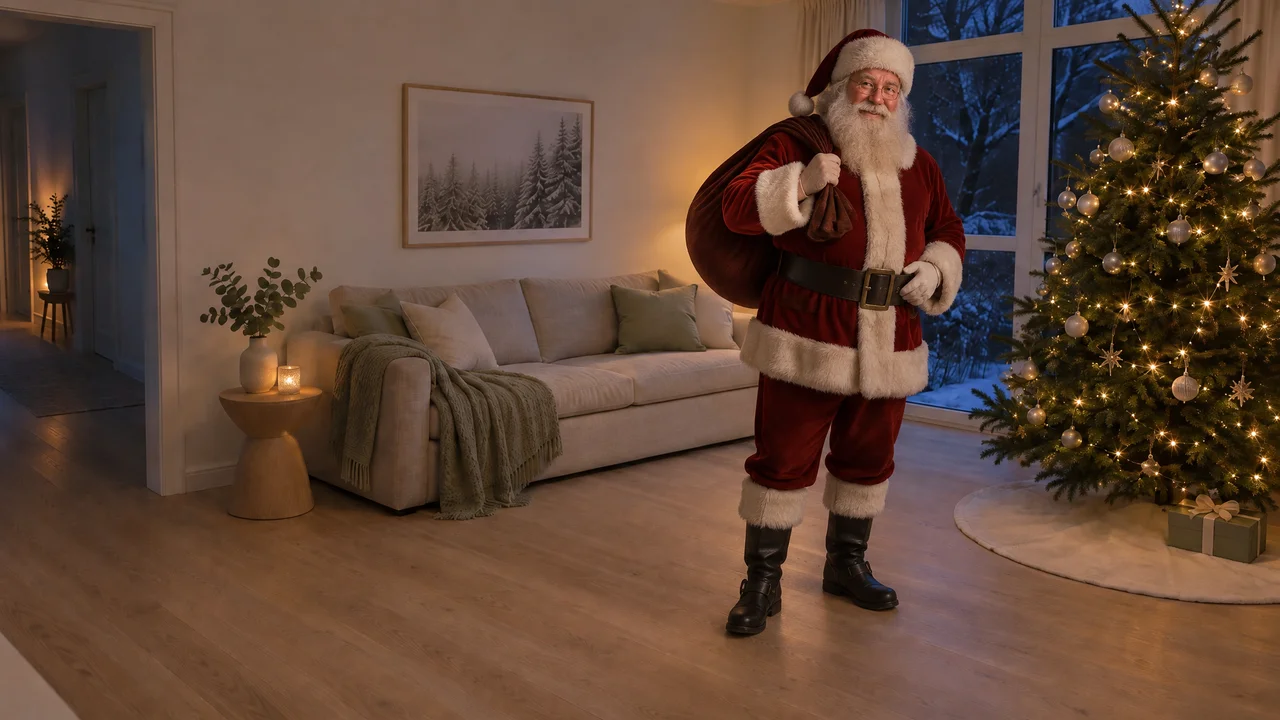
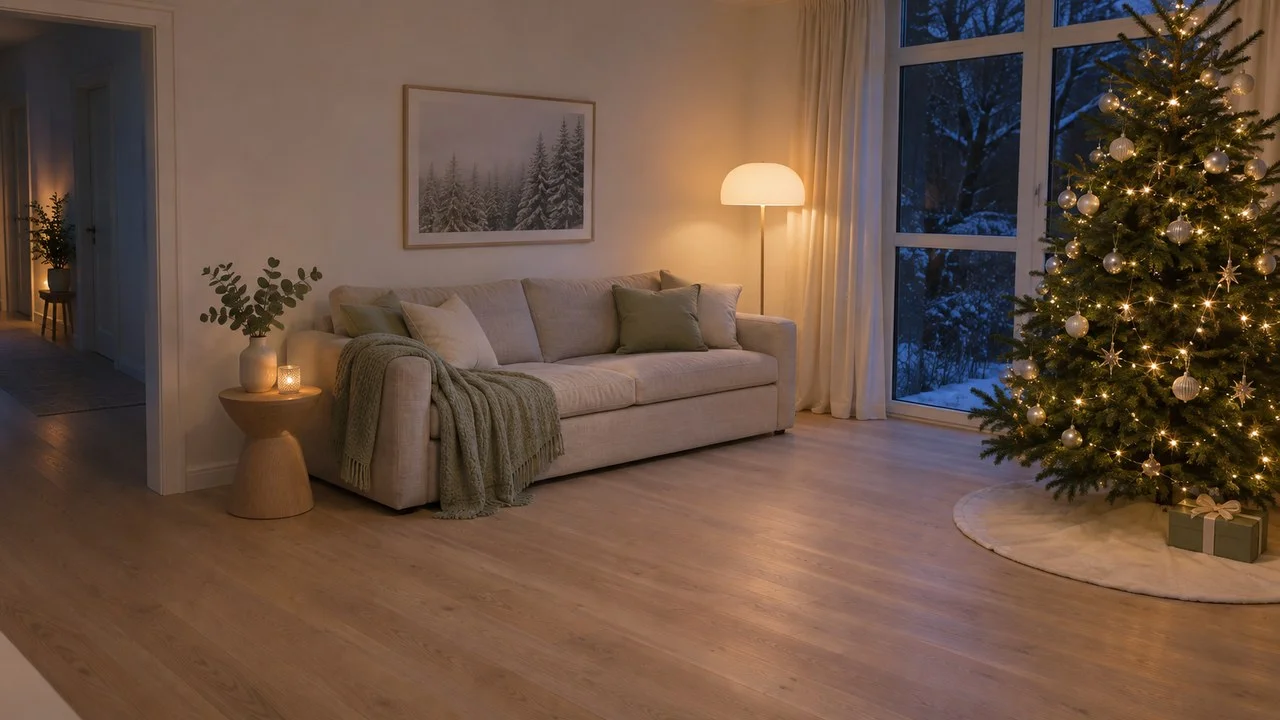
 Original Photo
See Santa Claus in a real photo of your own home.
Bring Santa's visit to life with an AI-generated video.
Pick a Santa picture or a video of his visit.
Choose a clear photo with space for Santa near your tree or fireplace.
Sign in to create your Santa scene, then save it to share with your family.
See how AI transforms an ordinary room photo into a magical Santa picture or video, while keeping the familiar setting of your home. To make a video in your own living room, watch the living-room clip, then upload a clear room photo. For a Christmas morning surprise, make the video ahead of time and download it before its expiry date.
Santa stands beside the lit tree in the same nighttime living room.
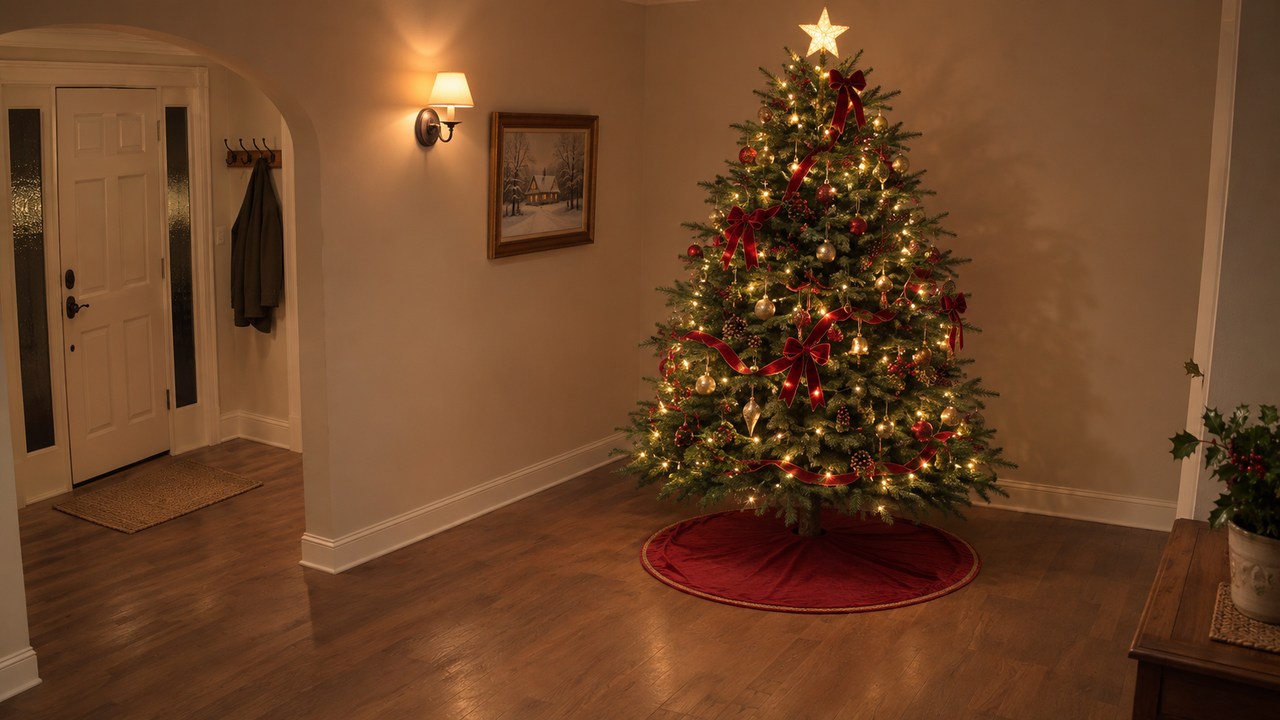
Santa walks across the room and leaves a gift under the tree.
Keep the base of the tree and an open path across the floor in frame. Try Santa Leaves a Gift with your own room photo.
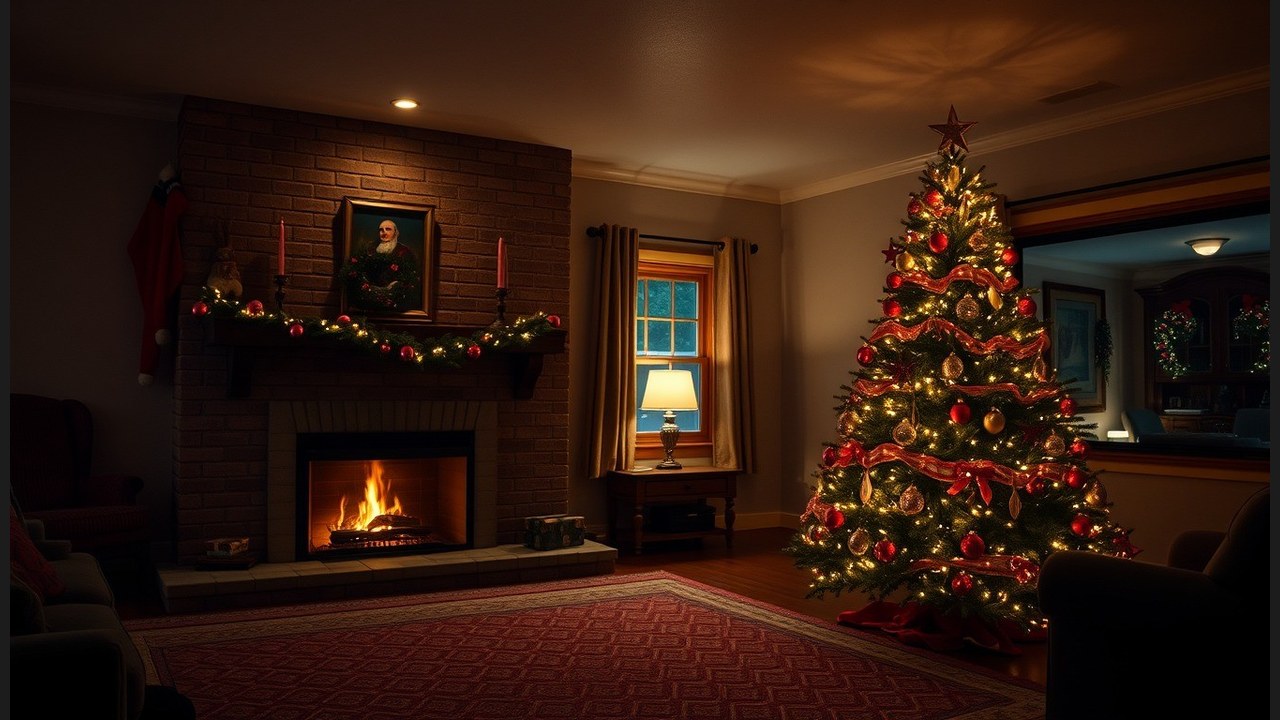
The fireplace and tree light Santa’s visit in this video.
The original room photos are AI-generated demo images. All Santa photos and videos were created using our tools.
Choose a sharp, well-lit photo so the room is easy to see.
Keep some floor visible so Santa has room to stand and move.
Include a Christmas tree, presents, or stockings to set the scene.
Take a photo from a natural viewpoint and avoid extreme angles or heavy distortion.
Day or night, use a clear room photo without people.
Start with a clear photo of your living room or Christmas tree. Choose a Santa photo or video, and AI will create a scene featuring Santa in your home.
Use a room photo with enough space for Santa to appear naturally. A still picture shows him in your room. A video can show him walking in and leaving a gift, so it looks like you caught Santa in your house.
Yes. Use Add Santa to Photo to place Santa Claus into a photo of your living room, Christmas tree, or fireplace.
Yes. If you want to make it look like you caught Santa in your house, simply upload a clear room photo and choose a Santa video template. Our AI creates a Christmas video based on your home.
No. Daytime and nighttime photos both work when the room is clearly visible. Choose a photo with suitable lighting and visible space for Santa.
Use a clear photo with a natural camera angle, enough light to see the furniture, and some open floor. A tree, presents, or stockings can make the scene more festive.
Choose your preferred tool, upload a suitable photo, and let AI create the Santa scene. You can save the result from the same tool.
These are AI-generated Christmas scenes based on your uploaded image. They’re made for a fun holiday surprise and aren’t recordings of an actual visit.