
Night Vision
Black & White
Give your Santa visit the mysterious look of home security footage.
SANTA CAUGHT ON CAMERA
Use one room photo to make an AI-generated video of Santa sneaking in and leaving a gift. Choose a black-and-white Night Vision look or see the visit in Color.
Upload Your Room PhotoNo security camera needed. Just one photo.
Santa Caught on Camera — Night Vision
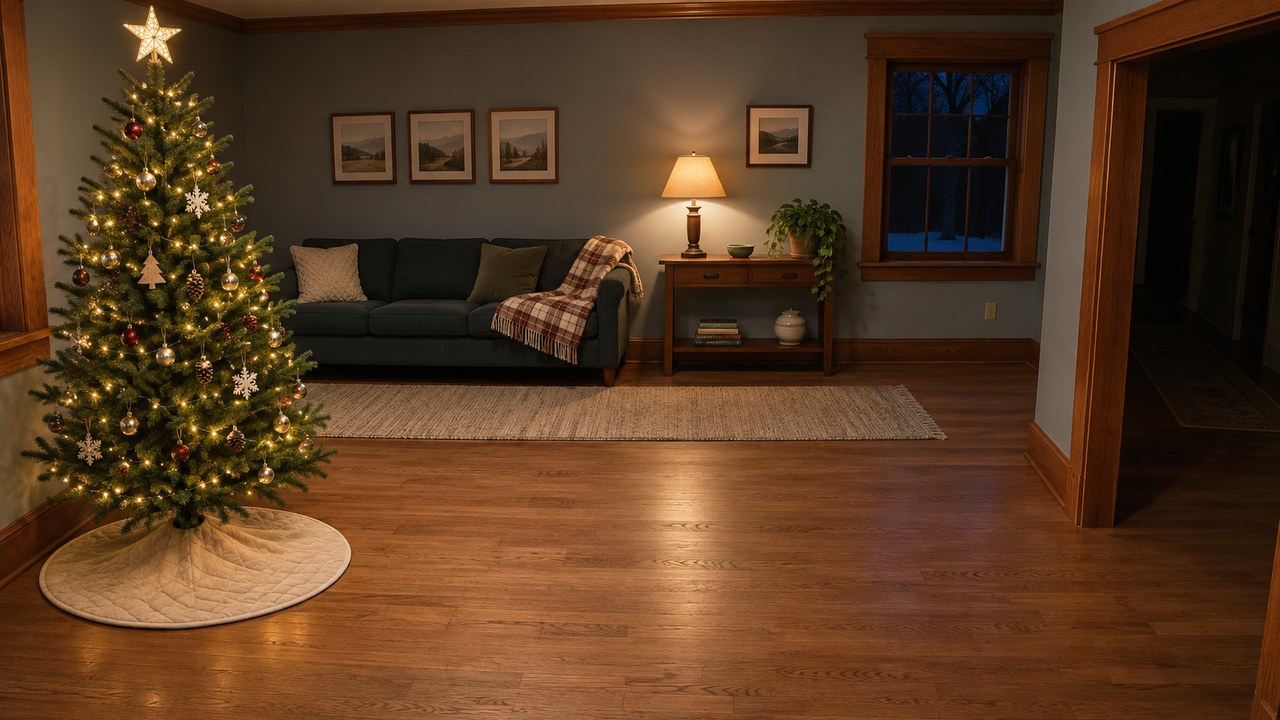
Bring a little Christmas magic to your own home.
Use a clear room photo without people and leave some open space near the tree.
See room photo tipsYour photo isn't publicly displayed. Learn how we handle your photos.
CHOOSE YOUR CAMERA LOOK
Upload a clear room photo and choose the classic black-and-white night-vision look, or keep the natural colors of your room. Watch both styles below before creating your own video.
Black & White
Give your Santa visit the mysterious look of home security footage.
Natural Colors
Keep the glow of your Christmas tree lights and the warmth of your room.
Which look would you choose for Santa's secret visit?
Create My Santa VideoTHE CHRISTMAS EVE STORY
A secret visit. A surprise on camera. And a little Christmas magic.
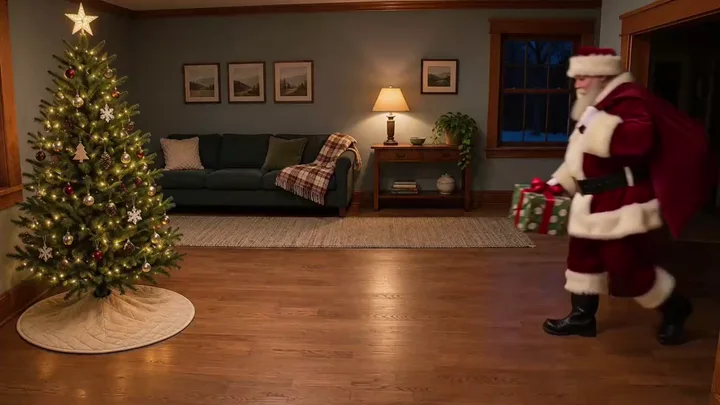
Santa quietly slips into your room with a sack full of Christmas surprises.
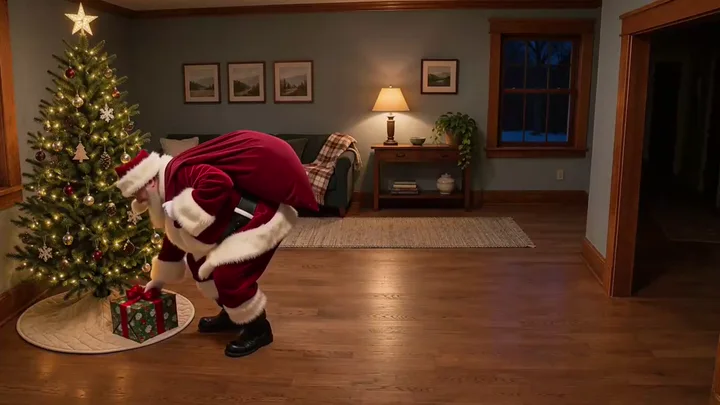
He carefully leaves a wrapped present beneath your Christmas tree.
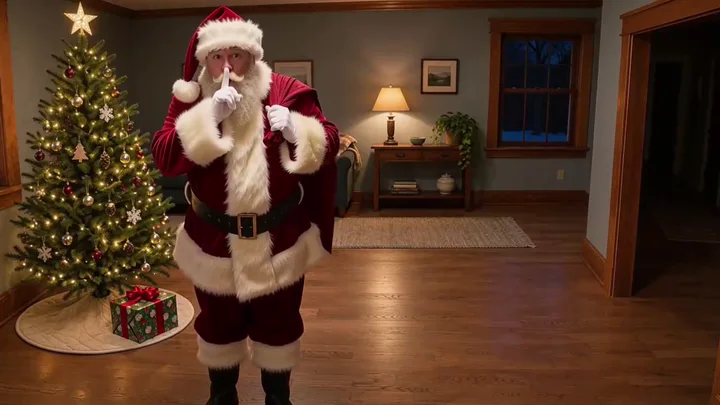
Santa spots the camera and shares a playful, silent shhh gesture.
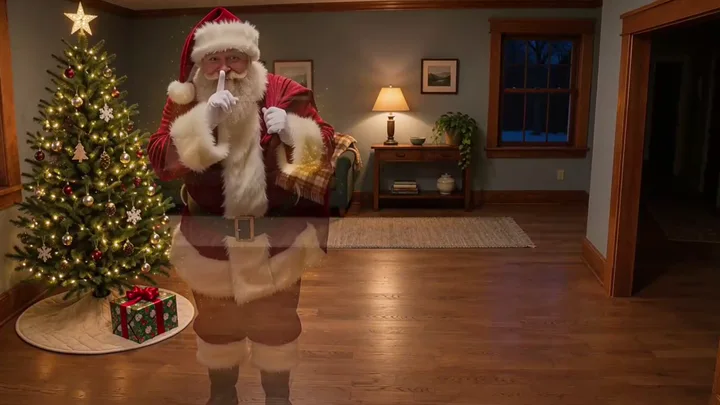
A little Christmas magic, and Santa disappears — leaving the present behind.
These frames from the AI-generated Color example show Santa Claus caught on camera. The room and Santa's movements can vary in your video.
PHOTO TIPS
You don't need a real security camera. Just give Santa a clear view of your room.
A wide view makes your Santa video feel more like home security footage. Try taking your photo from a corner, doorway, or slightly elevated position so the base of the tree stays in view.
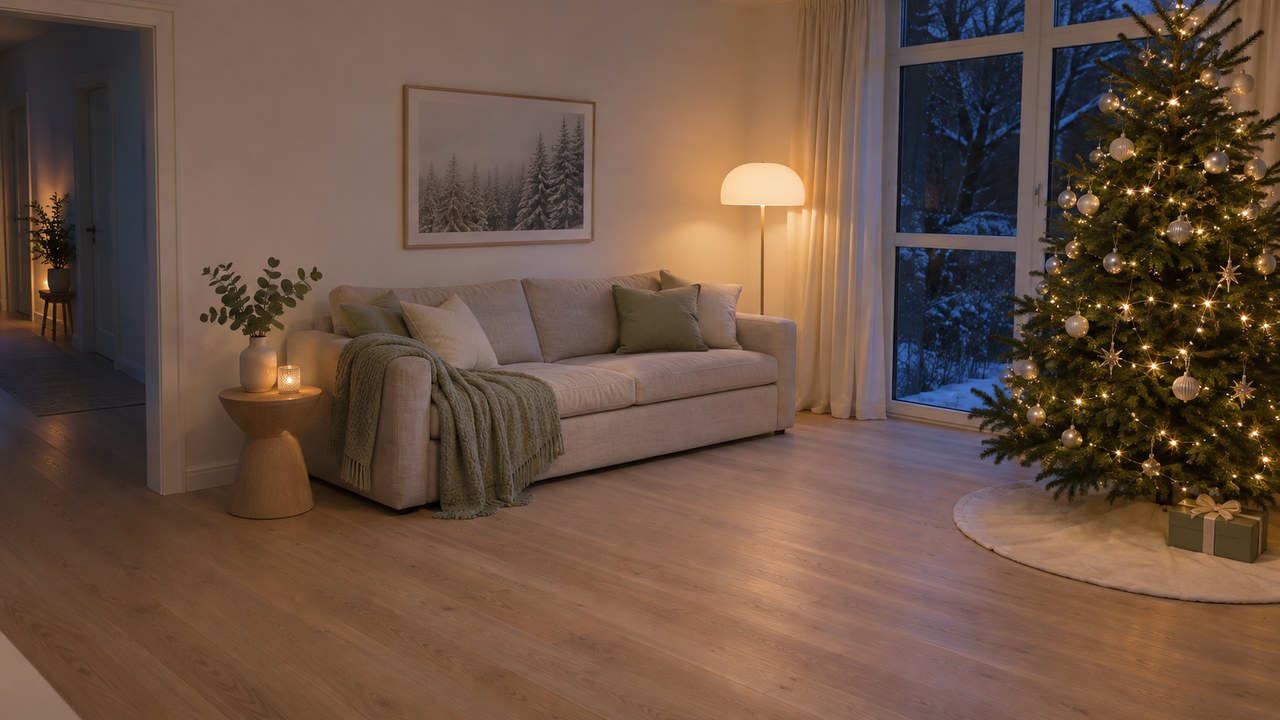
Keep some open floor space between the edge of your photo and the Christmas tree. A visible path gives Santa room to enter from the side and lets the camera see where he sets down the gift.
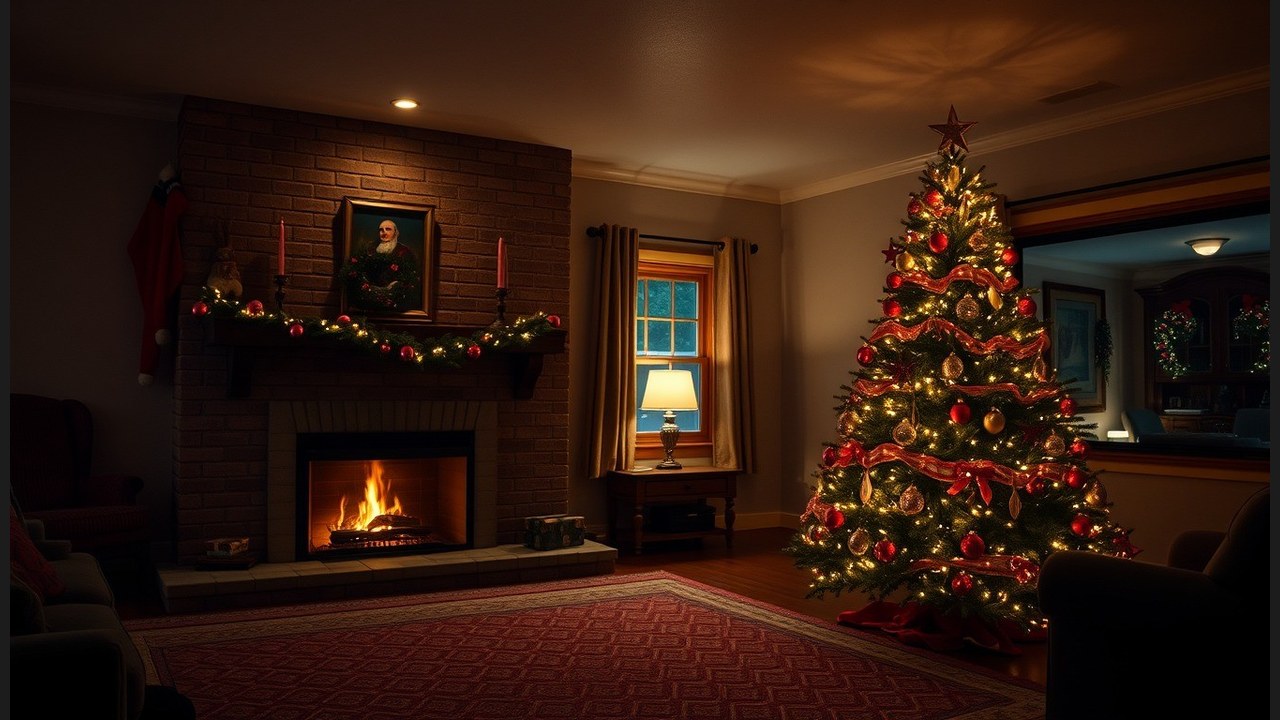
Evening photos with your Christmas tree lights on can create a cozy Christmas Eve feel. Daytime photos work too — just make sure your room is clear and easy to see.
Leave your furniture in place and keep people, pets, and distracting reflections out of the frame. A clear shot gives Santa room to be the star.
For a Christmas morning video, compare the two styles, then save the finished MP4 before you plan to watch it together.
SIMPLE ONE-TIME PRICING
Create your own Santa caught on camera video from one room photo. Choose your pack, pay once, and enjoy a little Christmas magic. No subscription.
1 video
2 videos
4 videos
Downloadable MP4 · One-Time Purchase
Unused video allowances are valid for 12 months from each purchase.
See Video PacksUpload a photo of your living room or Christmas tree, choose Night Vision or Color, and generate an AI video of Santa visiting your home. You can watch and download the finished MP4 when it's ready.
A phone photo of your room is enough. You can also upload a clear still image from an indoor security camera if you have permission to use it. For a screenshot of your front door or porch, use the Santa Doorbell Camera Video scene.
Yes. You can upload a supported photo from your phone. A clear, wide view of your room works best.
No. Evening photos with your Christmas tree lights on can add a magical Christmas Eve feeling, but daytime photos work too.
Yes! Choose classic black-and-white Night Vision or keep the warm natural colors of your room.
This is an AI-generated Christmas video made for fun. The security camera look is a visual style.
Our video packs start at $5.99 for one Santa video. You can also choose packs with multiple videos. All purchases are one-time, with no subscription. See video packs.
Check the existing task in My Creations before starting again. If a video was deducted and we can’t deliver it, we restore it to your balance. For a serious issue with a finished video, use Report a problem while the result is eligible. See Refunds for details.
Save your MP4 before the individual download date shown in My Creations. Unused video allowances expire separately according to the terms of your pack. See how we handle your photos and videos.
One room photo is all it takes to start your Christmas surprise.
No security camera or editing skills needed.
Prefer a Christmas picture? Create Santa in Your House as a photo or video.
Planning a Christmas morning surprise? Explore Santa Videos for Kids.
Browse All Santa Video Examples