
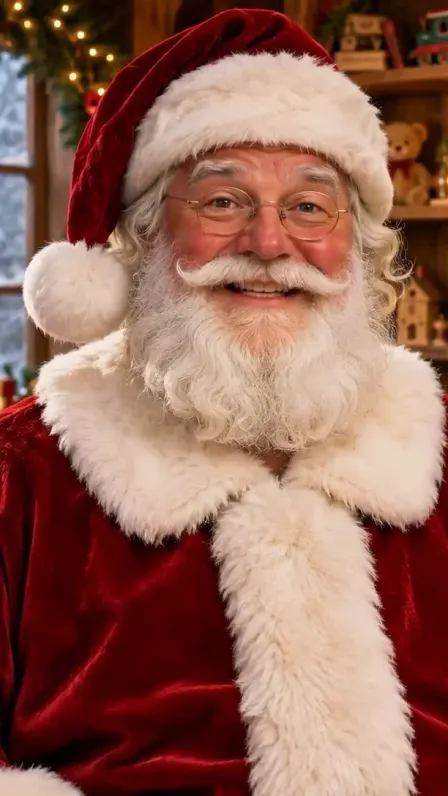
Personalized Santa Video Message
Write a Christmas greeting and let Santa deliver it in a personal video.
Create Santa MessageAI SANTA VIDEO GENERATOR
Upload a photo of your living room, front porch, or doorbell camera view. Watch Santa visit your home, leave a gift, greet your camera, and disappear in Christmas magic.
Create Your Santa VideoOne photo. No editing skills. A Christmas surprise made just for your family.
Bring a little Christmas magic to your own home.
Use a clear room photo without people and leave some open space near the tree.
See room photo tipsYour photo isn't publicly displayed. Learn how we handle your photos.
Create a personal message from Santa or add Santa to a favorite Christmas photo.
Write a Christmas greeting and let Santa deliver it in a personal video.
Create Santa Message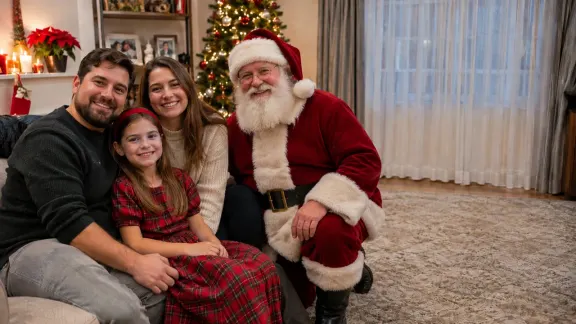
Add Santa to your Christmas photo and create a magical moment to share.
Add Santa to PhotoSEE THE MAGIC
Watch Santa visit a home, appear on camera, or deliver a Christmas greeting by name.
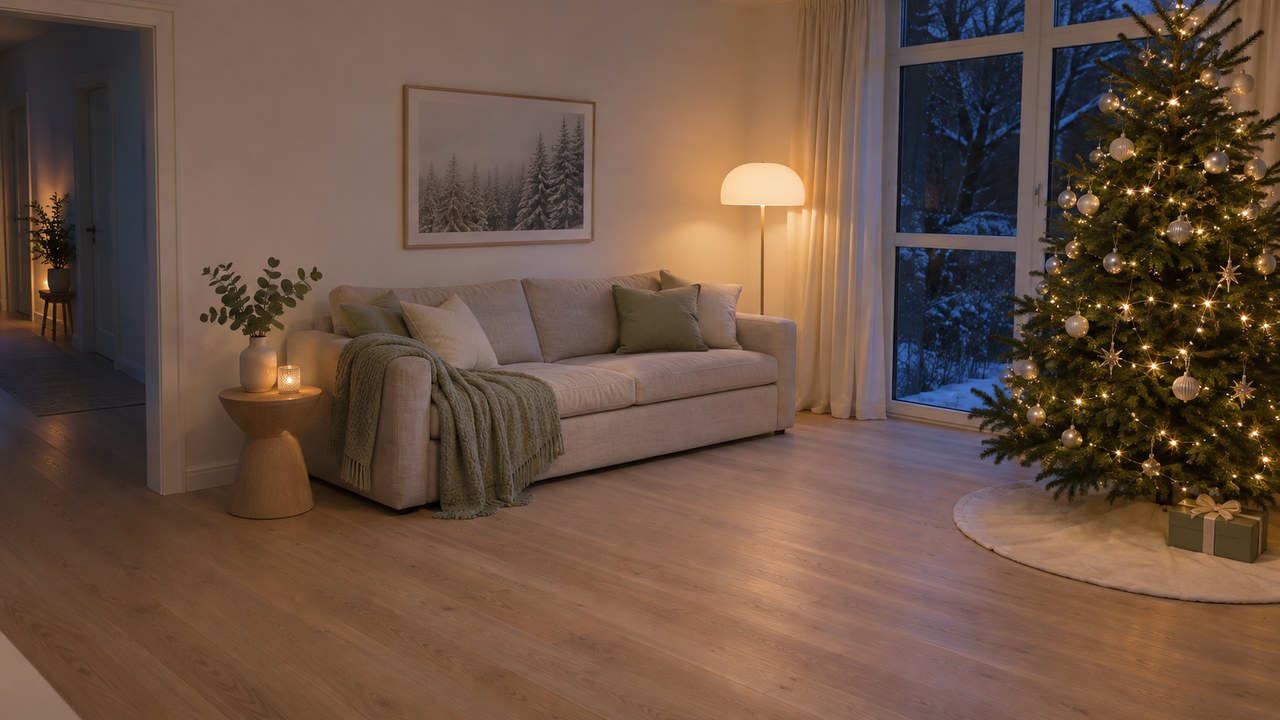
The room photo couldn’t load.
Ho ho ho! Merry Christmas, Emma! You're on my Nice List! Keep being kind and have a wonderful Christmas!
Pick a scene, Santa action, and video style.
Use a photo of your room, front porch, or doorbell camera view.
Create your Santa video, download it, and surprise your family.
Santa sneaks in. Leaves a gift. Spots the camera. Shhh... our little secret! Create your own playful Santa security camera video from just one room photo.
Give your indoor Santa visit a home security camera look.
See Santa wave, leave a gift, or check his list at your doorstep.
Explore Santa photos and videos set in your own home.
Choose a Santa video to watch with your child before Christmas or on Christmas morning.
One special Santa video or a surprise for the whole family. Choose your pack, pay once, and create a little Christmas magic. No subscription.
Use your video pack for Santa visits inside your home, at your doorstep, or personalized Santa video messages.
$5.99
1 Santa Video
One special surprise
$5.99 per video
Downloadable MP4 · One-Time Purchase
$9.99
2 Santa Videos
Twice the Christmas magic
$5.00 per videoSave 17%
Downloadable MP4 · One-Time Purchase
$16.99
4 Santa Videos
More moments to share
$4.25 per videoSave 29%
Downloadable MP4 · One-Time Purchase
Unused videos expire one year after payment.
If a video can’t be delivered, check the restoration status in My Creations. Read the refund policy.
Your room photo and finished video are private to your account.
Privacy policyPay once for the video pack you choose.
See video packsSave your MP4 from My Creations before the download expires.
Go to My CreationsFor an indoor visit, use a clear photo of your living room, Christmas tree, or fireplace with some open space for Santa. For a doorstep visit, use a doorbell camera screenshot, peephole photo, or front porch photo with a clear path or place to stand. Daytime and nighttime photos both work when the scene is easy to see.
Each Santa visit or personalized Santa video message uses one video from your balance. See one-time video packs for prices.
No. You can use a room photo and choose Night Vision for an AI-generated security camera look. A clear phone photo of your porch also works for a doorstep visit.
No. For the Santa Caught on Camera video, a clear photo of an empty room or Christmas tree works best.
Yes. Upload a clear room or porch photo as a JPG, PNG, WebP or compatible HEIC file. On some browsers, HEIC photos are shown after preparation. If the photo can’t be opened, export it as JPG or PNG.
The video is AI-generated for a fun Christmas surprise. It is not a recording from a real security camera.
For a serious quality issue, use Report a problem in My Creations while your video is eligible for review. If we can’t deliver a video, check the restoration status there. See the refund policy.
Create your Santa video before Christmas morning, then show it to your family as a fun little Christmas Eve mystery. It might just become their favorite part of the holiday!
Each available video shows its download expiry in My Creations. Save your copy before that date.
Yes. In a personalized Santa video message, add their first name or nickname to a preset, or write it into your own greeting.
Yes. With Add Santa to Photo, sign in to create up to three free Santa photos in a rolling 24-hour period. This uses no video credits.